Visualise your renovation before it begins.
Upload a photo or floor plan and use AI to explore realistic renovation concepts, materials and interior styles before starting the work.
How RoomcastAI works
From a single floor plan to a fully explorable, style-tested renovation.
Interactive 3D
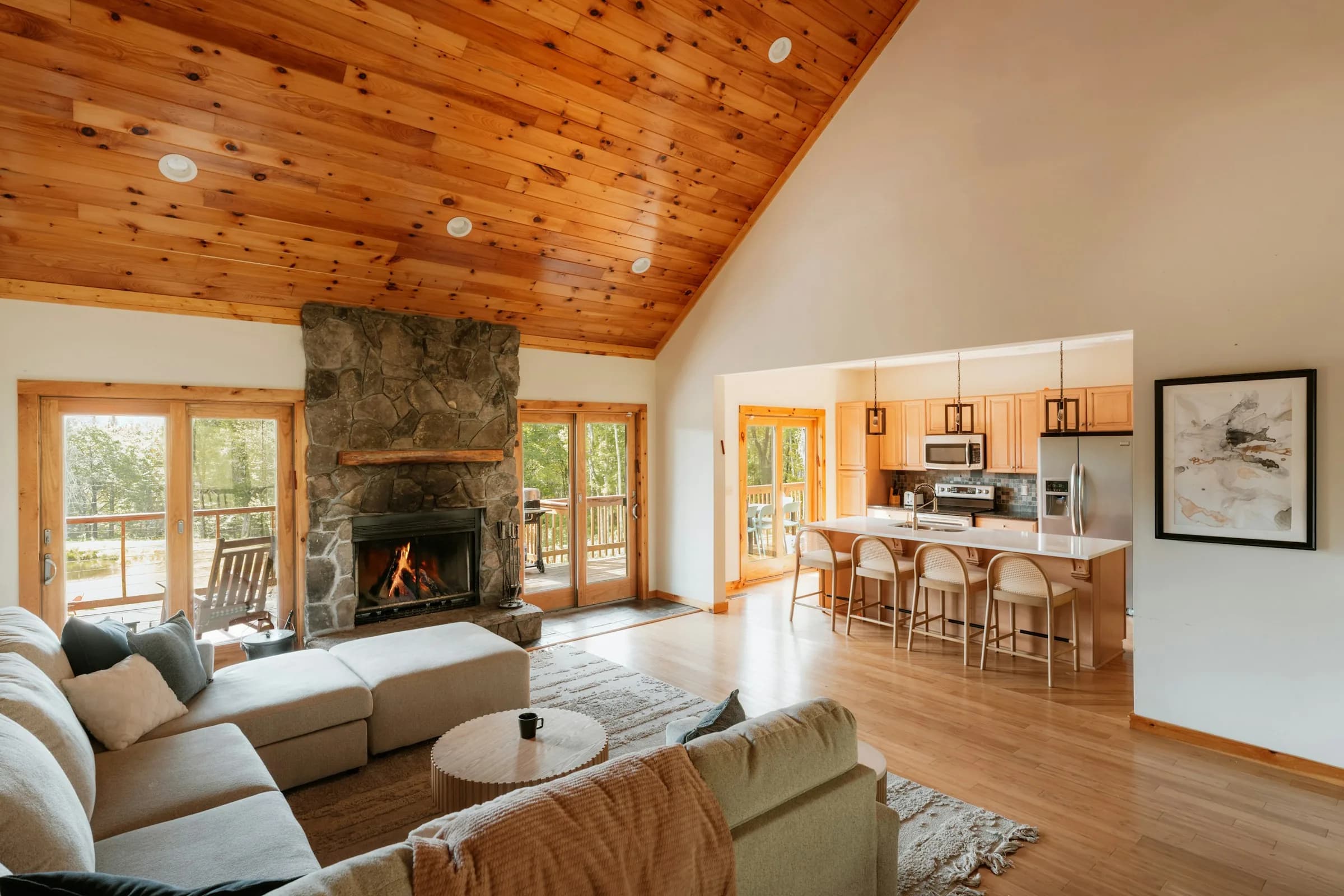
Click through the floor plan to walk from room to room. Drag inside each 360° space to look around, or check key areas as full-resolution photos — see every wall, finish and piece of furniture exactly as it will look once the renovation is done.
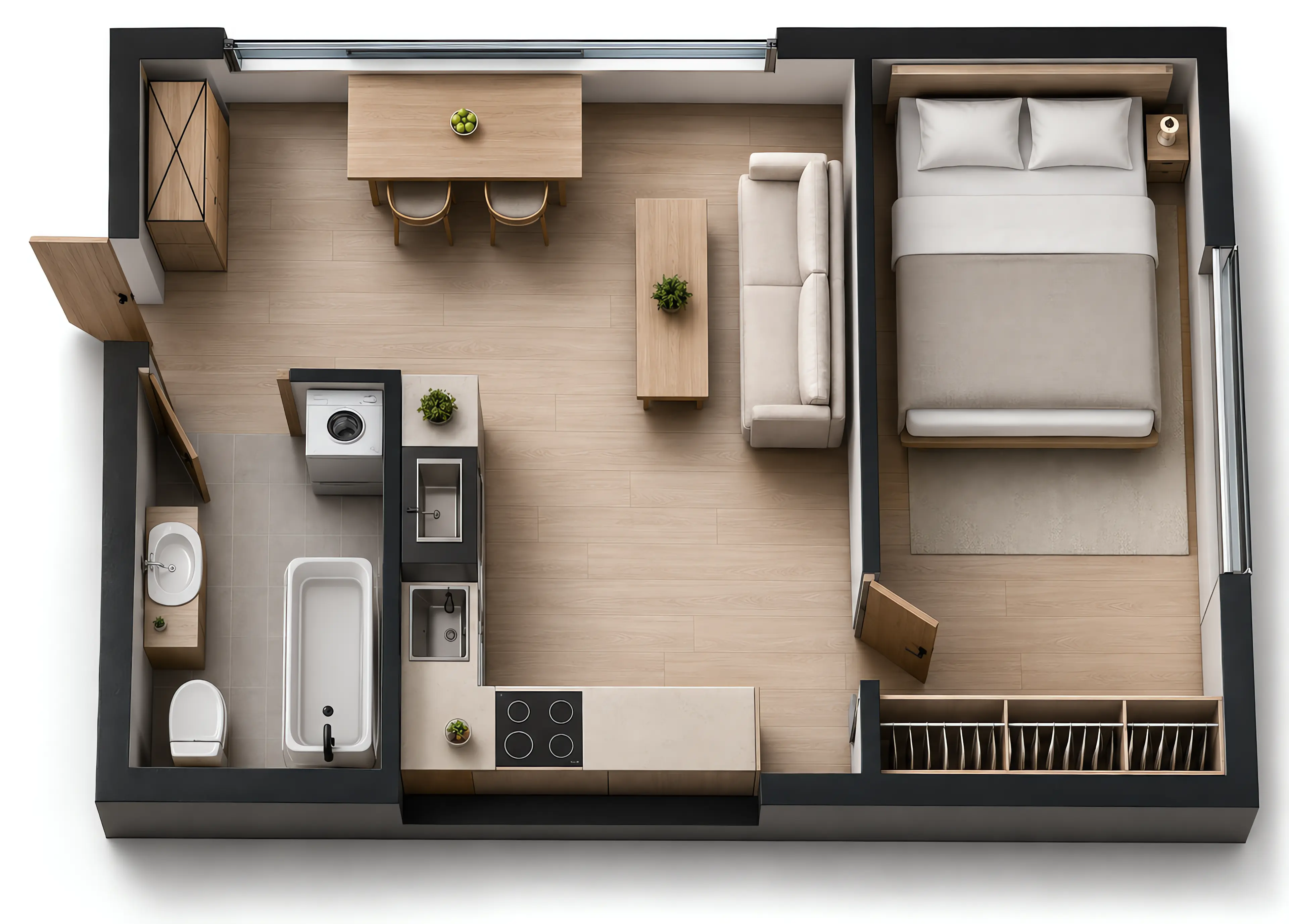
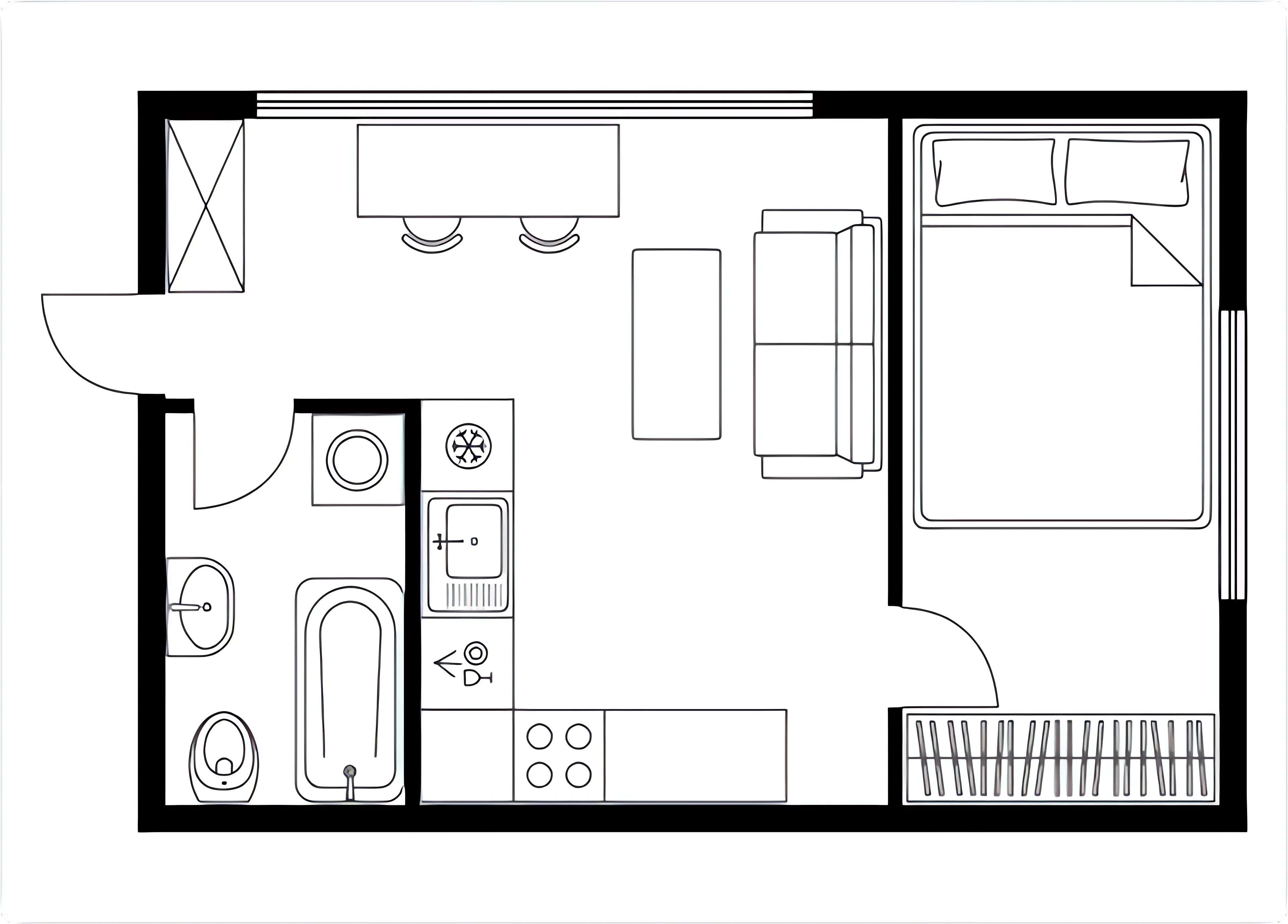
Render 2D to 3D
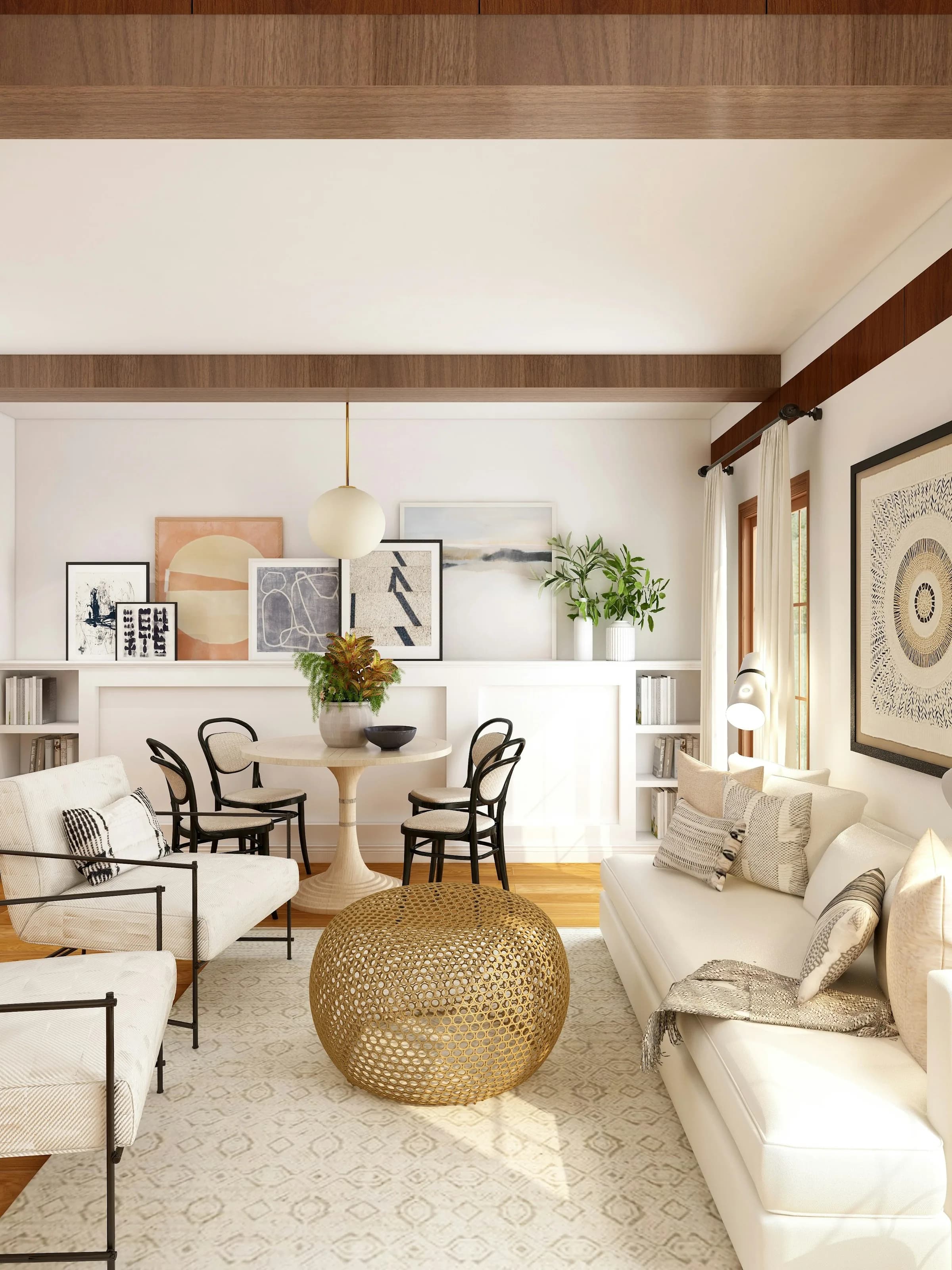
Turn your floor plan into a photorealistic 3D render in minutes. See how natural light, materials and layout come together before a single wall is touched.
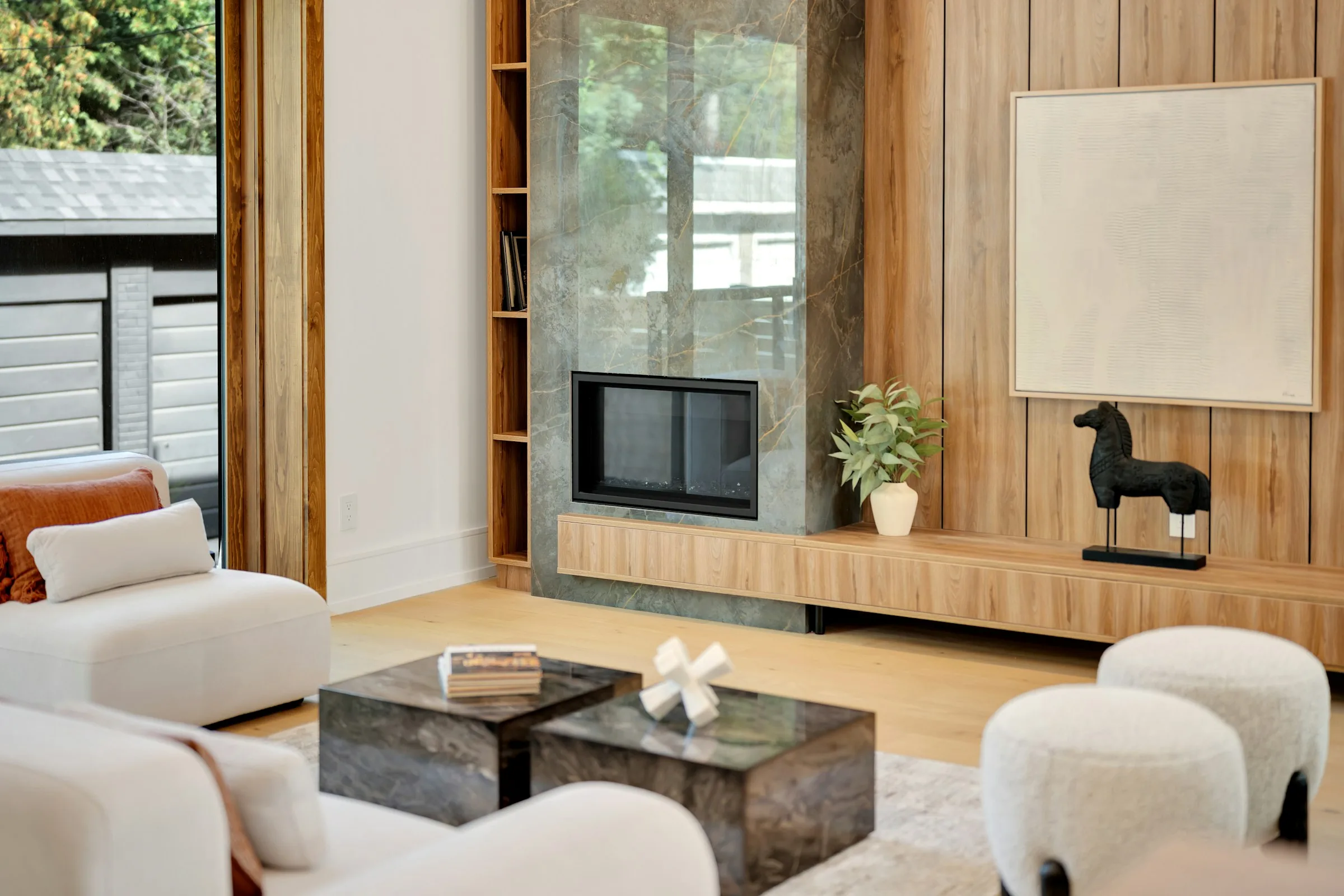
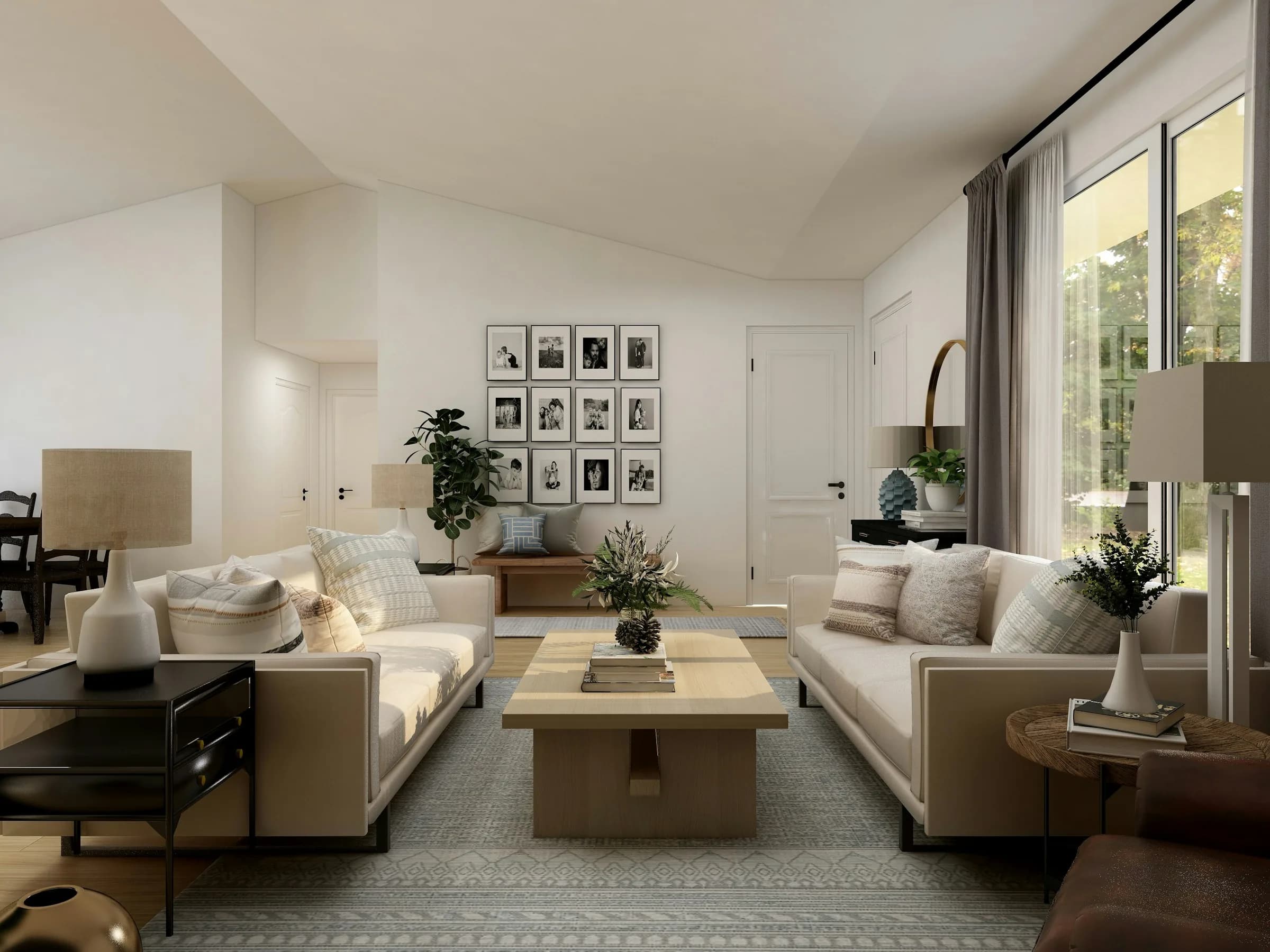
Choose your style
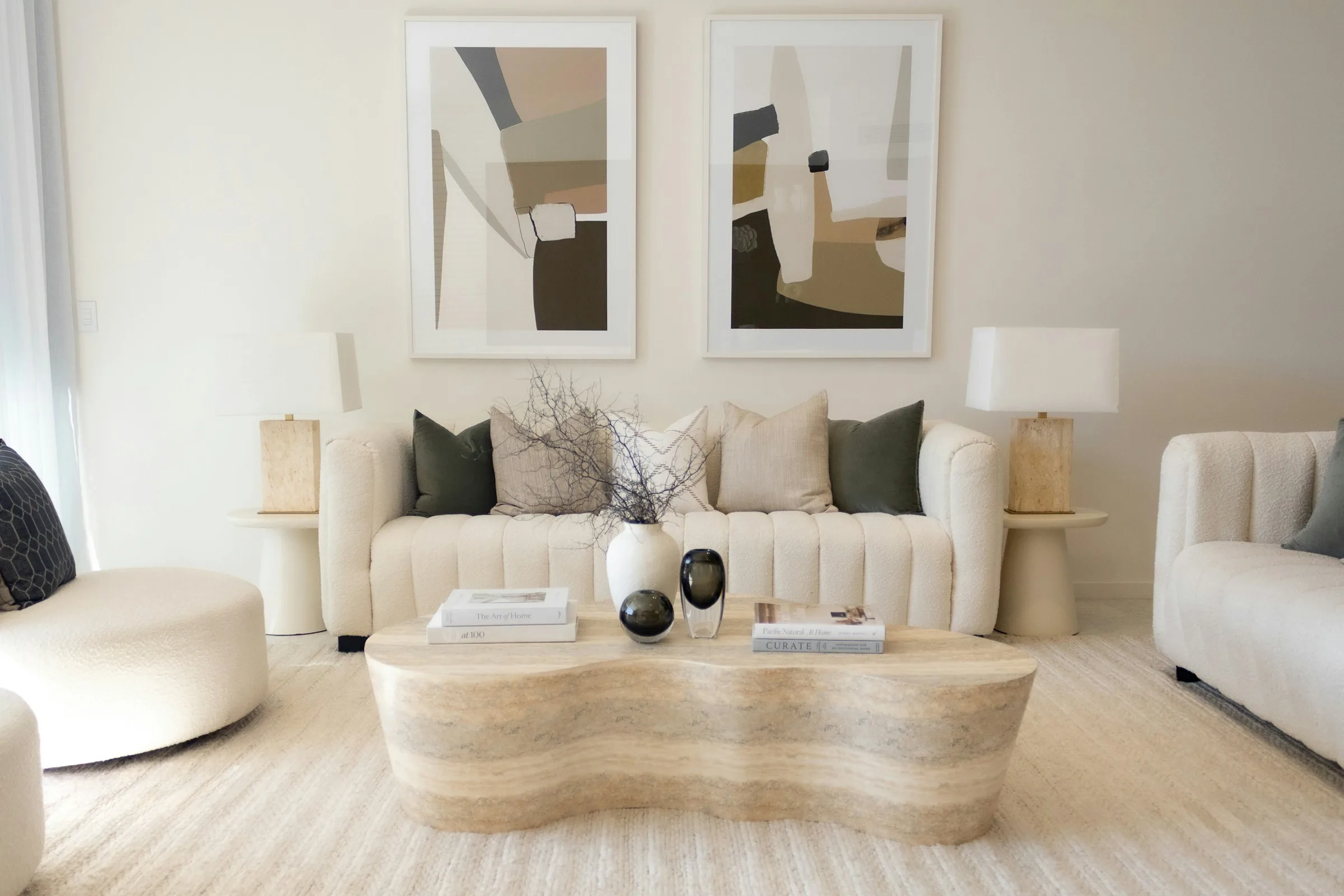
Swap finishes, furniture and colour palettes with a click, and compare renovation styles side by side until you find the one that feels like home.
Bring it to life with video
Turn any render into a cinematic video in minutes: the camera moves through the space and brings your design to life before you build it.
From a floor plan to a home you can edit
Import an AutoCAD DXF or a scaled PDF and continue in RoomcastAI Studio. Review dimensions, build walls and try furniture and materials in an editable model.
- 01Import DXF or PDF
- 02Confirm units and scale
- 03Edit and explore in 3D
PDFs require calibration and tracing. Export DWG files to DXF first. Review dimensions, heights and openings before continuing.
Explore ProSimple pricing for every renovation project
Choose the plan that fits your workflow. Upgrade, downgrade or cancel at any time.
Currency: EUR
Starter
To try RoomcastAI on your first project
Billed monthly
- 20 credits per month
- 1 room per floor
- Instant preview renders
- Project history
- Email support
Pro
The ideal balance of quality and speed
Billed monthly
- 80 credits per month
- Up to 5 rooms per floor
- Instant preview renders
- Video generation (up to 2 per month)
- Priority support
- RoomcastAI Studio: 2D plans to editable 3D models
Business
For studios and professionals with large-scale projects
Billed monthly
- 200 credits per month
- Unlimited rooms per floor
- Instant preview renders
- Video generation (up to 5 per month)
- Commercial use
- Priority support
- Your 360° Tours are processed first in the queue
- RoomcastAI Studio: 2D plans to editable 3D models
Need more renders or a custom team plan? Contact sales
Frequently asked questions
Everything you need to know before your first renovation with RoomcastAI.
What is RoomcastAI and how does it work?
RoomcastAI turns a photo or floor plan of your home into an explorable model and AI-generated renovation proposals. Upload your floor plan or photo, and within minutes you get realistic visualizations of different styles and finishes for your renovation.
What files can I upload?
You can upload a photo of your home, a floor plan as a PDF or image, a scan, or an AutoCAD DXF file. RoomcastAI recognizes your home's real layout from that file.
Can RoomcastAI change my home's layout, or only the finishes?
Only the finishes. The real layout of your home's walls, doors and windows is never changed — what changes between styles are materials, furniture and finishes, not the structure.
How much does it cost and what does each plan include?
RoomcastAI has three plans: Starter (20 credits/month, 1 room per floor), Pro (80 credits/month, up to 5 rooms per floor and video generation) and Business (200 credits/month, unlimited rooms per floor, commercial use, expanded video generation and your 360° Tours processed first in the queue). See the pricing section for full details.
Can I change plans or cancel anytime?
Yes. You can change plans or cancel your subscription anytime from your account.
Do the renders replace an architect or a technical survey?
No. RoomcastAI's renders and proposals are indicative visualizations for exploring ideas before construction. They don't replace a professional technical or structural survey — any change affecting your home's structure should be validated by a qualified professional.
What happens with my photos and floor plans — do you use them to train AI or share them with third parties?
Your photos and floor plans are used to generate your renders and proposals, and we don't sell your data to third parties for advertising. They're only shared with the providers that make the service possible (infrastructure and AI image generation).
What is the 360° Tour?
It's a navigable virtual walkthrough of your home or your renovation proposal, built from 360° panoramic photos you upload or generated directly by AI.